Pubs and bars
A weekly trivia night that brings regulars and new teams.
Halloween Trivia Night
The trivia night for your bar, on Halloween too.
Pub trivia software that takes care of the screen, the clock and the scorekeeping, so you can work the room. Start a 14-day trial and run two real trivia nights before you pay anything.
14 days free No credit card needed to try it.
Who it is for
Bar owners care about one thing: a full room on a slow weeknight, week after week. The tool sets up your recurring night once and keeps the regular teams and their season results, so the crowd has a reason to come back next week.
The presenter screen follows your look. Pick colors, fonts and the layout of each part of the night, and keep one design for the whole venue or a special one for a holiday night.
A weekly trivia night that brings regulars and new teams.
An evening program your staff can host without prior experience.
From the summer party to the year-end event, on paper or phones.
A team night where everyone plays along, no app required.
For hosts who run trivia at several venues.
How it works
Add your venue, pick a quiz and run a test night before your first teams show up.
Name, city and time zone, nothing more.
Use the starter quiz or write your own questions.
Set rounds, time limits and points, as a series if you like.
Try the host console, the big screen and a phone without pressure.
Show the QR code, let teams join and host the game.
Play on phones
Picture the usual setup: a laptop at the host stand, a TV over the bar and twenty tables of regulars. With PubQuizTool by QuizTreff, the laptop runs the host console, the TV shows the question with a countdown, and the standings update as soon as you confirm the scores. No clicking through slides, no adding up columns during the break.
Teams pick how they play. Some scan the QR code and answer on one phone per table. Others ask for paper, and you type their round score in at the host stand. Everyone ends up in the same standings.
Enter the code shown on the screen. You do not need an account.
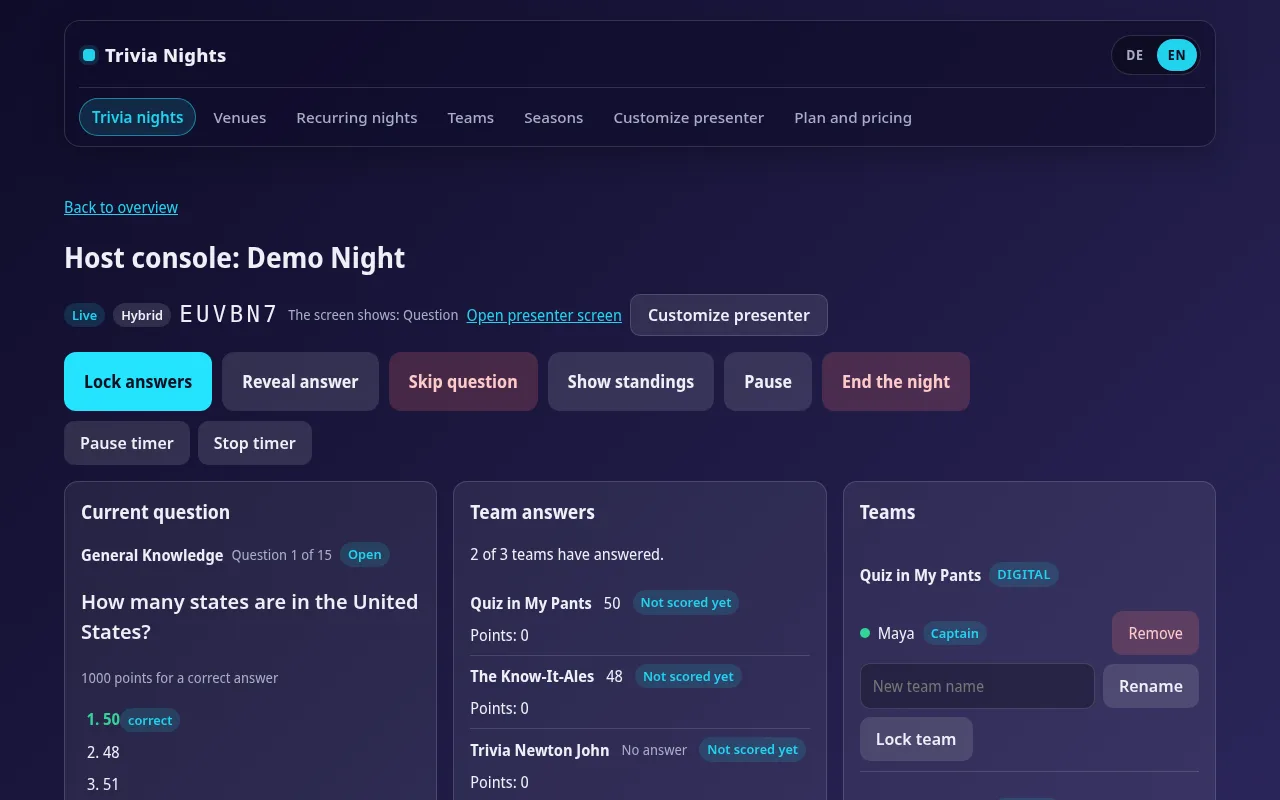
Host console
If you host at three or four venues a week, you need every night to start the same way. Save your house format as a template, open it at any venue and only write new questions. Each venue keeps its own series, its own regular teams and its own season standings.
Close calls happen. When you accept an answer that was almost right or fix a typo in a score, the change is saved together with the reason. If a captain asks about it next week, you can show what changed and why.
| # | Team | Mode | Question 6 | Points |
|---|---|---|---|---|
| 1 | The Know-It-Alls | Phone | answered | 34 |
| 2 | Quizzly Bears | Paper | open | 31 |
| 3 | Team Taproom | Phone | answered | 29 |
| 4 | The Ponderers | Phone | open | 26 |
| 5 | Half Knowledge Inc. | Paper | open | 22 |
Answers close when the timer runs out.
PDF answer sheets for teams and an answer key for you, ready to print.
You do not need a separate computer for the big screen.
Question types
From quick multiple choice to a closest-number question for the finale.
One correct answer out of several options.
Only the exactly correct selection scores.
Quick rounds, ideal for warming up.
Teams type or write their own answer.
Any answer inside the set range is correct.
Teams put items in the right order.
A closest-number question settles ties.
Teams bet points on their answer, win them if right, lose them if wrong.
Big-screen view
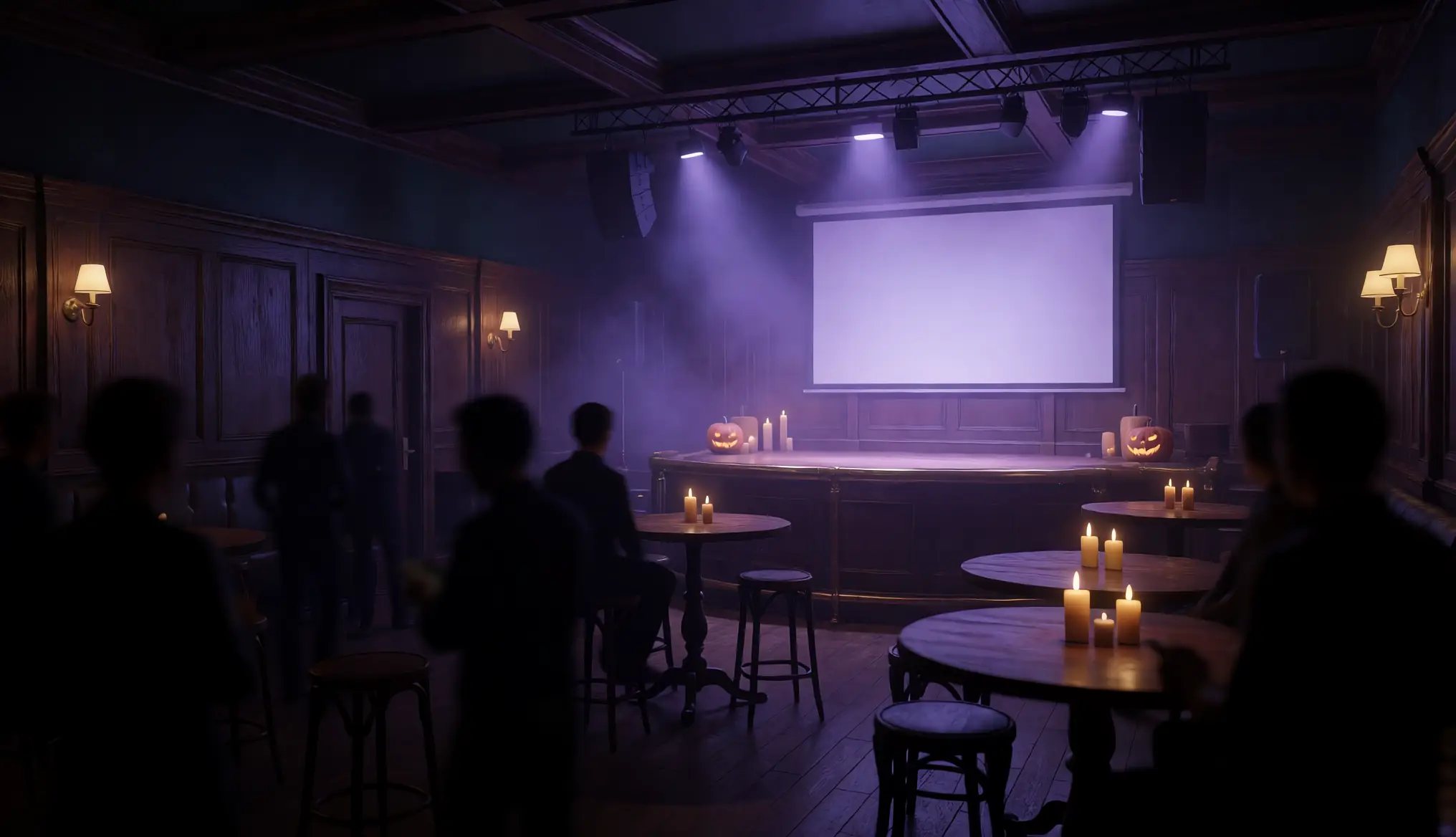
On a projector or TV, your crowd sees the QR code to join, the question with a countdown, the reveal and the standings.
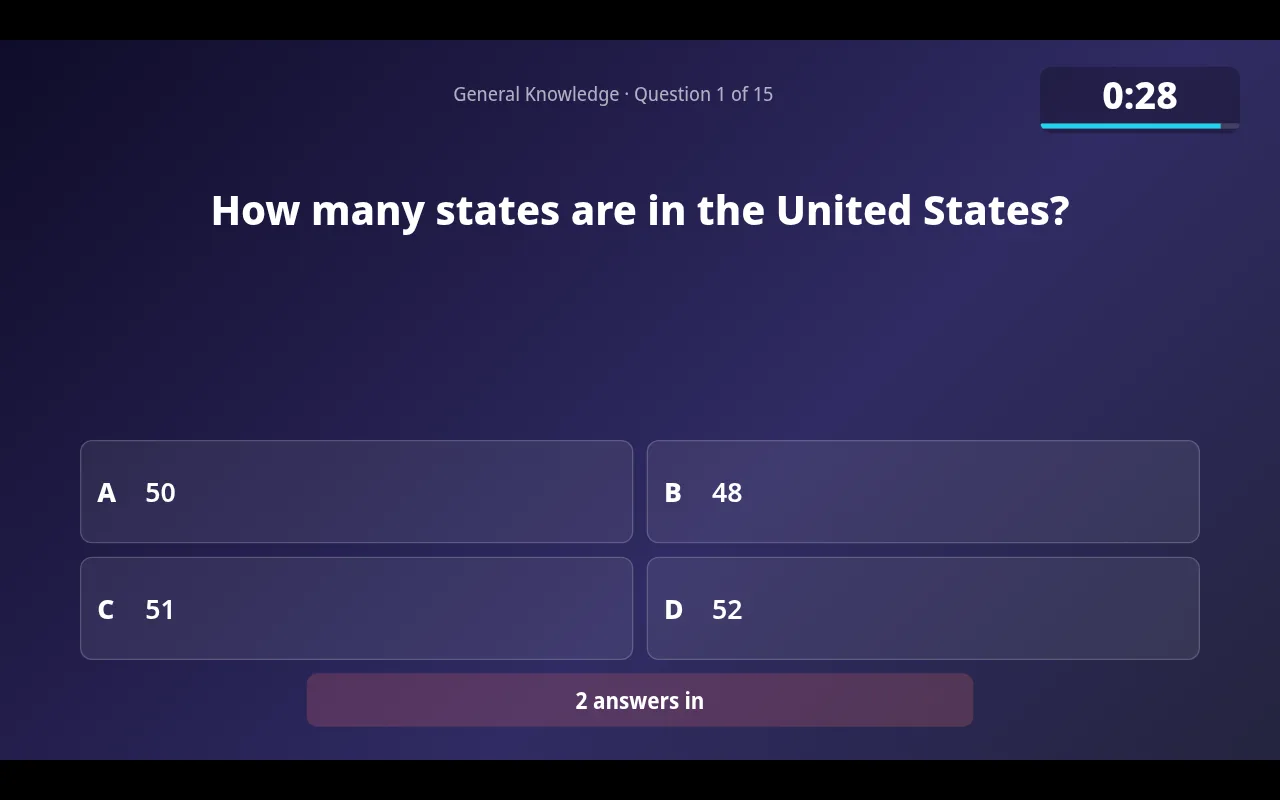
Questions, countdown, reveal and standings, large and easy to read.
Teams scan the code on the screen and are in the game right away.
They appear on the big screen, and only your account can use them.
Presenter editor
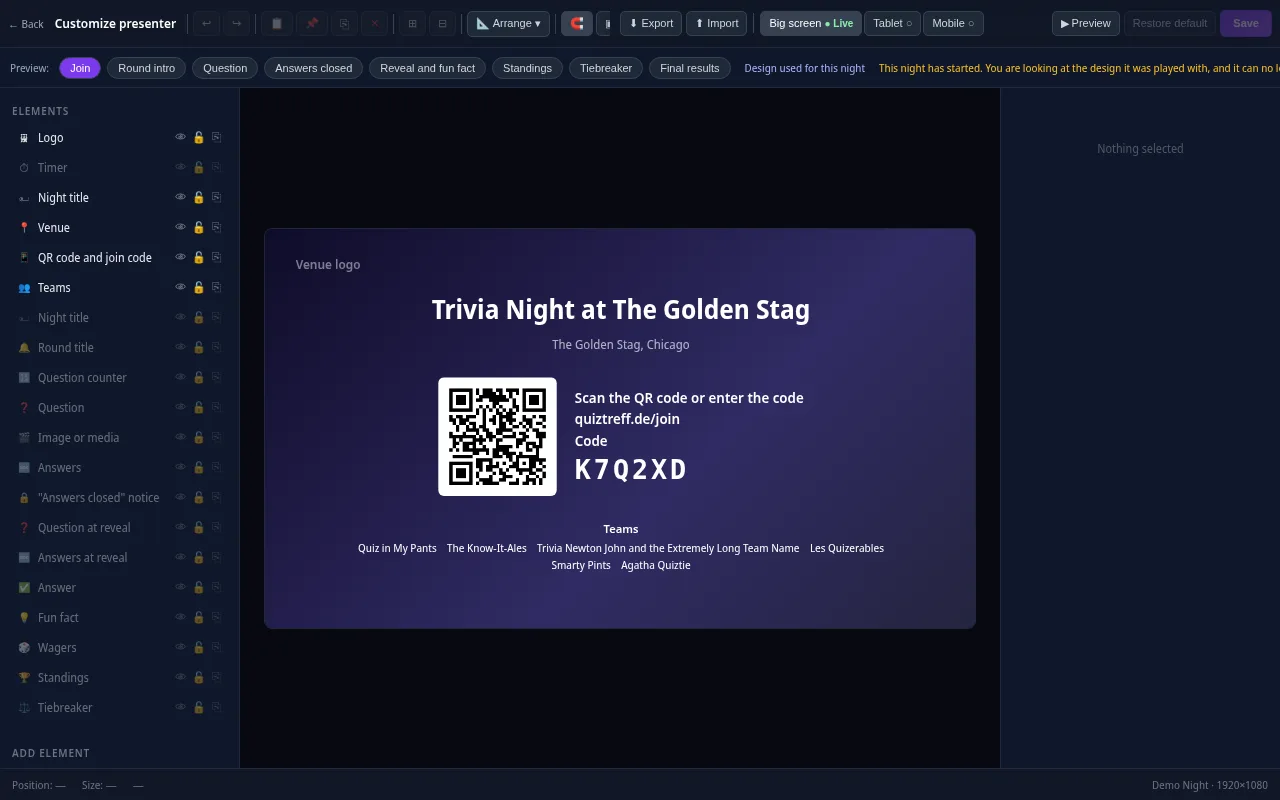
Every trivia night looks the way your venue wants it to. Drag the question, answers, timer, QR code and standings anywhere and resize them with your mouse.
Included in every plan, also during the free trial.
Features
Run rounds, questions, timer and reveals from a laptop or tablet.
Questions, countdown, reveal and standings for a projector or TV, with a QR code to join.
Place and size every element on the big screen and pick colors and fonts, for one night, a recurring night or a whole venue. Once a night starts, its design is locked in.
Teams join with a code or QR code and answer in the browser. No app to install.
PDF answer sheets for teams and an answer key for you, ready to print.
Enter scores for paper teams yourself. They share one leaderboard with phone teams.
Weekly or monthly nights are created ahead of time automatically.
Standings across many nights, total or best results, with a big-screen view.
Save your round format once and reuse it for every night in a series.
Every score change is logged with a reason, even after the night ends.
A closest-number question settles ties.
Teams bet points on their answer, win them if right, lose them if wrong.
Optionally, one person per team submits the answers.
Tested for nights with up to 200 players.
Pricing
Every plan has every game feature. The plans only differ in how many venues and real trivia nights you run. Host is $29 a month for one venue and up to four real nights a month. Venue is $49 a month for one venue with a regular night up to once a day. Operator is $99 a month for up to five venues.
Paying once a year costs the same as ten months: $290, $490 or $990. Every plan covers up to 200 players per night. You can cancel at any time, effective at the end of the period you paid for, and your data stays in your account.
Trial
Practice nights are always possible and never public.
Host
For individual trivia hosts
$29 per month
or $290 per year, billed once a year
Venue
For a venue with a regular trivia night
$49 per month
or $490 per year, billed once a year
Operator
For organizers with up to five venues
$99 per month
or $990 per year, billed once a year
Prices in U.S. dollars. Playing is always free for guests.
The trial starts when you add your first venue. It runs for 14 days or two real trivia nights, whichever comes first, with up to 50 players per night and everything that comes with the Venue plan. You do not enter any payment details to start.
Practice nights with up to 10 participants are always possible on top of that, so you can test the presenter screen at home before the first real crowd. After the trial, your venues, quizzes, teams and results stay in your account.
It is the trivia night tool inside QuizTreff. You run the night from a host console in the browser, teams answer on phones or on paper, and the presenter screen shows questions, the countdown and the standings.
No. The trial starts without payment details. You enter them only when you choose a plan.
Host is $29, Venue is $49 and Operator is $99 per month. Paid yearly, the plans cost $290, $490 or $990. Playing is always free for guests.
No. Teams join in the browser with a short code or the QR code on the presenter screen, without an account. Paper answer sheets work as well.
No. The name now stands for the trivia tool inside QuizTreff. You sign up on quiztreff.com and use one account for everything.

Halloween Trivia Night
Add your venue, pick a quiz and run a test night before your first teams show up.